EPFO Online 2026: PF Balance, Passbook, Claims & KYC Guide
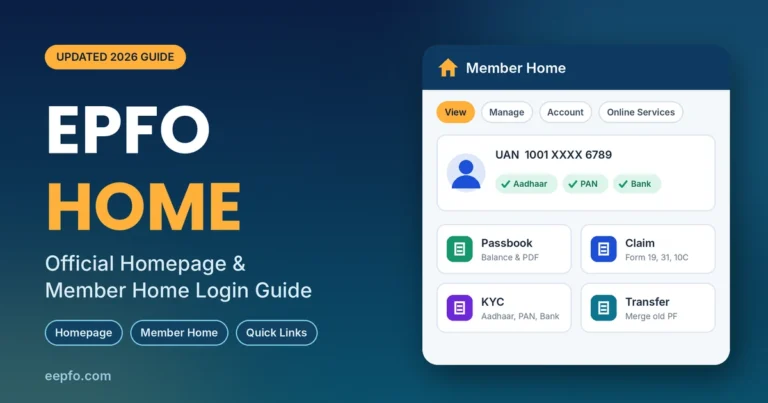
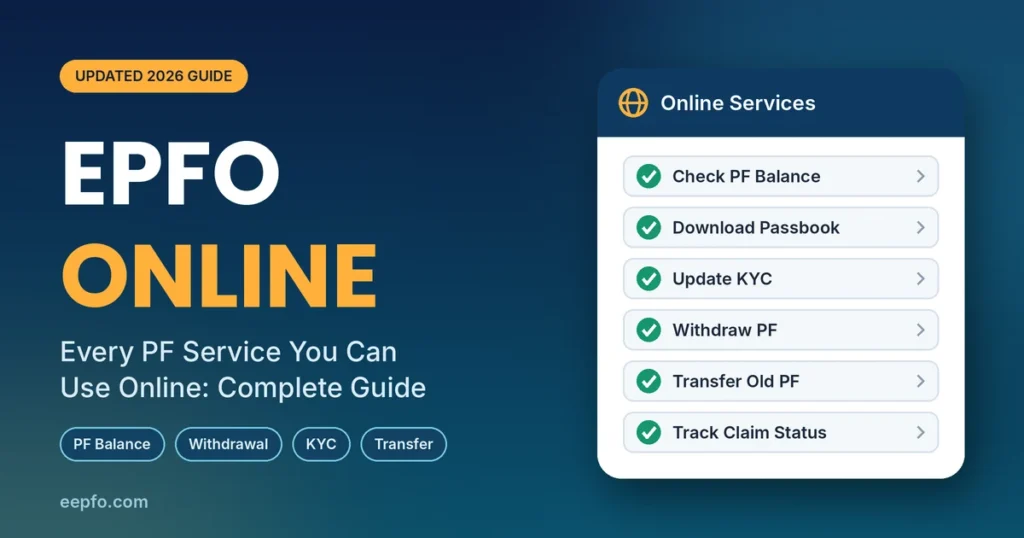
A few years ago, checking your PF or withdrawing it meant forms, employer signatures and trips to a regional office. Today almost all of it happens EPFO online. From your phone or laptop, you can check your balance, download your passbook, update KYC, add a nominee, merge old accounts and withdraw money straight to your bank.
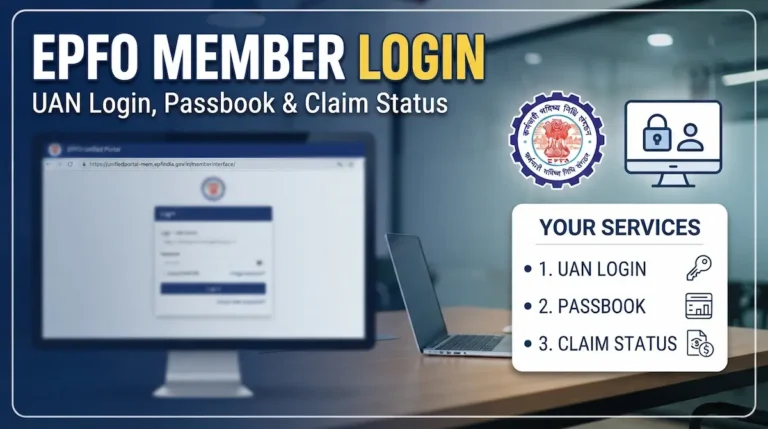
This guide covers every major online service the Employees’ Provident Fund Organisation (EPFO) offers in 2026, where to find each one, and what to do when something goes wrong. If you only need help signing in, start with our EPFO login guide.
What Does EPFO Online Mean?
EPFO online is the set of digital services EPFO provides to its members, employers and pensioners. You can reach them through four channels:
| Channel | Login needed? | Best for |
|---|---|---|
| Unified Member Portal (website) | UAN and password | KYC, e-Nomination, claims, transfers, service history |
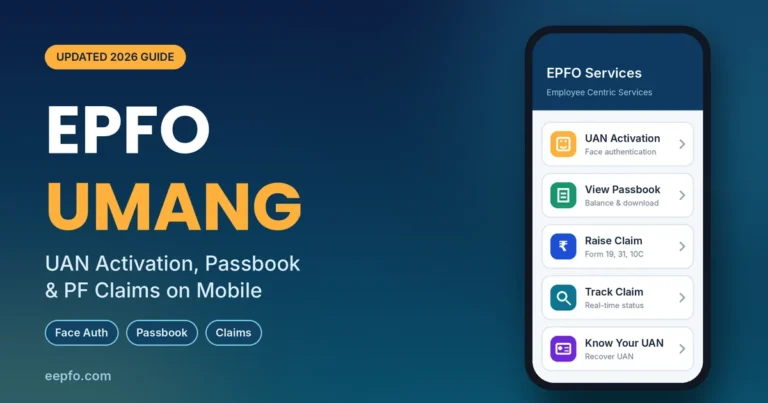
| UMANG app | MPIN plus OTP | UAN activation, passbook, claims and tracking on mobile |
| Missed call and SMS | No | Quick balance check |
| EPFiGMS grievance portal | No | Complaints about delays, errors and rejections |
The website and UMANG do most of the heavy lifting. Since the July 2026 upgrade, UAN activation and new UAN allotment happen only on UMANG, while e-Nomination and bank or PAN KYC work best on the website. Knowing which channel to use saves a lot of time.
Before You Use EPFO Online Services
Every online service depends on the same four basics. Sort them out once and nearly everything else works smoothly.
- Universal Account Number (UAN): your permanent 12-digit PF ID, printed on your salary slip. It stays the same across jobs.
- Activated UAN: activate it on the UMANG app under EPFO > UAN Services Through Face Auth > UAN Activation, using Aadhaar face authentication. You get a temporary password by SMS.
- Aadhaar-linked mobile number: every claim, reset and KYC change is confirmed by OTP sent to this number.
- Matching records: your name, date of birth and gender in EPFO must match Aadhaar exactly. A mismatch is the single biggest cause of rejected claims.
After activation, sign in at the Unified Member Portal, change the temporary password, and check your profile. If PAN or bank details show as “Not Available”, fix that before anything else.
Check PF Balance Online
You have three ways to see your balance, and two of them need no login at all.
- Missed call: Call 9966044425 from your registered mobile. The call drops after two rings and your balance arrives by SMS.
- SMS: Send
EPFOHO UAN ENGto 7738299899. Swap ENG for your language code, such as HIN for Hindi. - Passbook: Log in to see the full picture, as explained below.
The SMS and missed call options work only when your UAN is linked to KYC.
Download Your EPF Passbook Online
The passbook shows every monthly contribution from you and your employer, the pension (EPS) share and the interest credited each year.
- Log in to the member portal and go to View > Passbook.
- Sign in on the passbook page with the same UAN and password.
- Pick the Member ID for the employer you want to check.
- Click View Passbook, then Download PDF to save a copy.
On UMANG, open EPFO > Employee Centric Services > View Passbook and verify with an OTP. For a detailed walkthrough, read our EPFO passbook guide.
Update KYC Online
KYC links your Aadhaar, PAN and bank account to your UAN. Without it, withdrawals and transfers are blocked.
- Log in and go to Manage > KYC.
- Select Bank, enter your account number and IFSC, and verify the IFSC.
- Select PAN, enter the number and your name exactly as printed on the card.
- Save each entry and confirm with an Aadhaar OTP.
Bank details go to your bank for verification first, then to your employer for digital approval. This usually takes 7 to 10 working days. If it stays pending longer, remind your HR team.
File e-Nomination Online
e-Nomination makes sure your family can claim your PF, pension and EDLI insurance without legal hurdles. EPFO treats it as mandatory, and members who skip it may find claim features restricted.
- Go to Manage > E-Nomination.
- Update your photo and address if prompted.
- Click Add Family Details and enter each nominee’s name, Aadhaar, relation and share.
- Click E-sign and confirm with an Aadhaar OTP.
The nomination becomes valid only after the e-sign step. If you leave halfway, it stays pending.
Withdraw PF Online
Online withdrawal is the service most people search for. The money goes only to the bank account verified in your KYC.
| Form | Use it for |
|---|---|
| Form 31 | Partial withdrawal or advance while employed (illness, marriage, education, housing) |
| Form 19 | Final PF settlement after leaving a job |
| Form 10C | Pension withdrawal or scheme certificate when service is under 10 years |
| Form 10D | Monthly pension after age 58 (or reduced pension from 50) |
Steps on the portal:
- Check that your date of exit is marked if you have left the job (Manage > Mark Exit).
- Go to Online Services > Claim (Form 31, 19, 10C & 10D).
- Verify the last four digits of your bank account.
- Click Proceed for Online Claim and choose the form you need.
- Enter your address as on Aadhaar and upload documents if asked.
- Submit with the Aadhaar OTP.
On UMANG, use EPFO > Employee Centric Services > Raise Claim. If your service is under five years and the amount is above Rs 50,000, upload Form 15G (if eligible) to avoid TDS, and make sure your PAN is linked.
The EPF Scheme 2026, effective from 29 June 2026, revised some partial withdrawal rules. Check the purpose list shown on the claim form before you apply.
Transfer Old PF Online
Changing jobs? Transfer your old PF rather than withdrawing it. This keeps your service continuous, which matters for pension eligibility and tax-free withdrawal after five years.
- Go to Online Services > One Member One EPF Account (Transfer Request).
- Click Get Details and pick the old Member ID to move.
- Choose whether your previous or current employer attests the request.
- Submit with OTP.
If you have two UANs, email both numbers to uanepf@epfindia.gov.in so EPFO can block the older one, then file the transfer.
Track EPF Claim Status Online
After submitting any claim, go to Online Services > Track Claim Status on the portal, or Track Claim on UMANG. You will see one of these statuses:
| Status | What it means |
|---|---|
| Under process | EPFO is verifying your claim |
| Payment under process | Approved; money is on its way to your bank |
| Settled | Credited to your account |
| Rejected | Something did not match; the reason is shown |
With complete KYC, many online claims settle in 7 to 10 working days. If a claim crosses 20 days, raise a grievance.
Pension Services Online
Pensioners can check payment status through the pension payment enquiry page and fetch their Pension Payment Order (PPO) through UMANG or DigiLocker. The annual life certificate can be submitted digitally through Jeevan Pramaan, so most pensioners no longer need to visit a bank or office.
Other Useful EPFO Online Services
- Know Your UAN: recover a forgotten UAN from the login page using your mobile number plus Aadhaar, PAN or Member ID.
- UAN card download: View > UAN Card gives a printable card for employer records.
- Service history: View > Service History lists every employer linked to your UAN, with joining and exit dates.
- Update contact details: Manage > Contact Details lets you change your mobile number or email with OTP.
- Correct personal details: Manage > Modify Basic Details fixes name, date of birth or gender mismatches, subject to employer approval.
- Death claims: nominees can file PF, pension and EDLI claims online through the member portal using the deceased member’s UAN.
- Raise a grievance: file complaints on EPFiGMS and track them with the registration number.
Common EPFO Online Problems and Fixes
| Problem | Fix |
|---|---|
| Portal slow or not loading | Clear cache, use Chrome or Firefox, try early morning or late night |
| OTP not arriving | Wait two minutes, then update your mobile under Manage > Contact Details |
| Claim rejected for detail mismatch | Correct details via Modify Basic Details or a Joint Declaration, then reapply |
| KYC stuck with employer | Ask HR to approve it with their digital signature |
| Claim options missing | File e-Nomination and mark your date of exit |
| Passbook not showing recent month | Your employer may not have filed the return yet; check again next month |
If nothing works, call the toll-free EPFO helpline 1800-118-005 or file a grievance.
Stay Safe While Using EPFO Online
- Use only official addresses ending in epfindia.gov.in or epfigms.gov.in.
- EPFO never calls or messages asking for your password, OTP or bank details.
- Do not pay “agents” who promise faster claims. Every EPFO online service is free.
- Log out after each session on shared devices.
Frequently Asked Questions
Can I do everything on EPFO online without visiting an office?
Almost everything. Balance checks, passbook, KYC, nomination, transfers, withdrawals and grievances are all online. Visits are usually needed only for older accounts with record mismatches that require a physical Joint Declaration.
Is EPFO online free to use?
Yes. EPFO does not charge for any online service. Anyone asking for a fee to process your claim is not from EPFO.
How long does an EPFO online claim take?
With complete KYC and matching records, many claims settle within 7 to 10 working days. Claims needing employer or field office checks can take longer.
Which is better for EPFO online services, the website or UMANG?
Use UMANG for UAN activation, quick passbook checks and claim tracking on the go. Use the website for KYC, e-Nomination, transfers and detailed service history.
Can I withdraw my full PF online while still employed?
No. While employed, you can take only partial advances for approved purposes through Form 31. Full settlement through Form 19 is available after you leave the job, subject to the waiting period.
Why don’t I see my latest contribution online?
Your passbook updates only after your employer files the monthly return and pays the dues. If several months are missing, speak to HR first, then raise a grievance.
Final Thoughts
EPFO online has turned a paperwork-heavy process into something you can handle in minutes. Activate your UAN, complete your KYC, file your e-Nomination and merge old accounts once. After that, balance checks and withdrawals become quick and predictable.
Make it a habit to download your passbook every few months and confirm that your employer is depositing contributions on time. Your PF is one of the largest savings you will build, so a little attention now pays off at retirement.