EPFO Home: Official Homepage & Member Home Login Guide 2026
EPFO Home is the starting point for every PF service in India. The phrase usually means one of two things: the official EPFO homepage at epfindia.gov.in, or the Member Home dashboard you see after signing in with your UAN. This guide explains both, so you can find the right page quickly and use it safely.
What Is EPFO Home?
The Employees’ Provident Fund Organisation (EPFO) runs several connected websites. Each one has its own “home”, and searching for EPFO home can land you on any of them.
| What you mean by EPFO home | Official address | Who uses it |
|---|---|---|
| EPFO homepage (main website) | epfindia.gov.in | Everyone: news, circulars, links to all services |
| EPFO Member Home | unifiedportal-mem.epfindia.gov.in | Employees with a UAN |
| Employer Home | unifiedportal-emp.epfindia.gov.in | HR teams and establishments |
| Pensioner pages | Pension payment enquiry | EPS pensioners |
Every genuine EPFO address ends in epfindia.gov.in or epfigms.gov.in (for grievances). If a site ends in anything else, it is not EPFO.
A Tour of the EPFO Homepage
The EPFO homepage is an information hub. You cannot check your balance there directly, but it links to every service and carries official news.
Main areas you will find:
- Services menu: grouped into For Employees, For Employers, For Pensioners and For International Workers. Each group links to the relevant login, forms and guides.
- Member and employer login links: take you to the Unified Member Portal or the Employer Portal.
- What’s New and circulars: official notices such as interest rate announcements, scheme changes and portal maintenance alerts.
- Downloads: forms, FAQs, citizen charter and scheme documents.
- Grievance link: opens EPFiGMS, EPFO’s complaint portal.
- Contact Us: addresses of regional and zonal offices across India.
- Helpline: the site header shows the EPFO help desk number 14470.
Tip: before you search news sites for an EPFO update, check What’s New on the homepage. Interest rates, deadlines and new rules are posted there first.
EPFO Member Home: Your Personal PF Dashboard
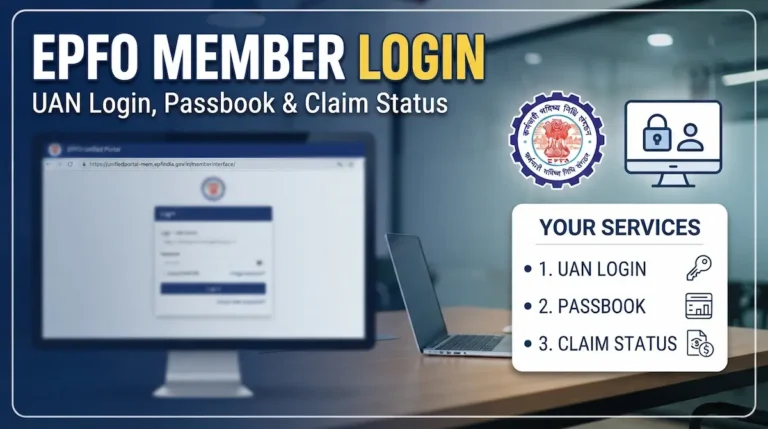
EPFO Member Home is the page that opens after you sign in to the Unified Member Portal. It is where you actually manage your PF.
How to Reach EPFO Member Home
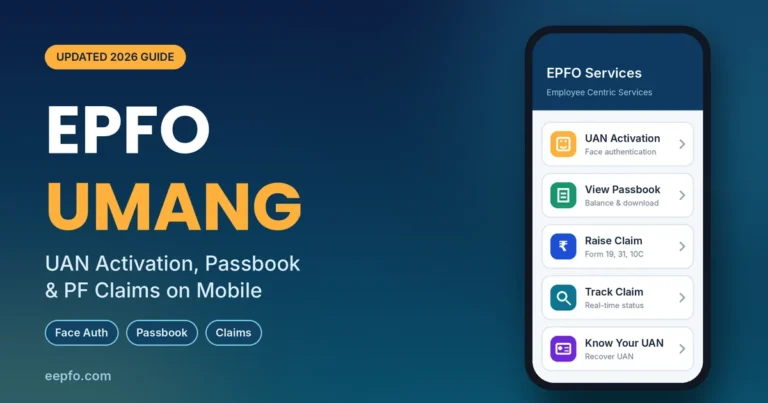
- First time? Activate your UAN on the UMANG app (EPFO > UAN Services Through Face Auth > UAN Activation). You get a temporary password by SMS. Since July 2026, activation is not possible on the website.
- Open unifiedportal-mem.epfindia.gov.in.
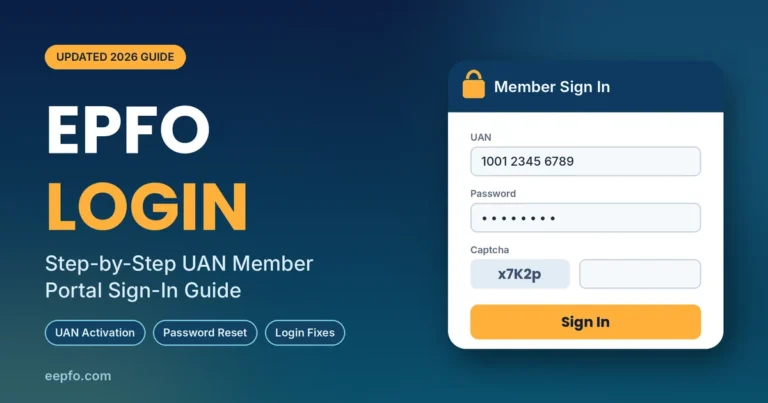
- Enter your UAN, password and captcha, then click Sign In.
- First-time users set a new password with an Aadhaar OTP, then sign in again.
You are now on Member Home. For the full walkthrough, see our EPFO member login guide.
What You See on Member Home
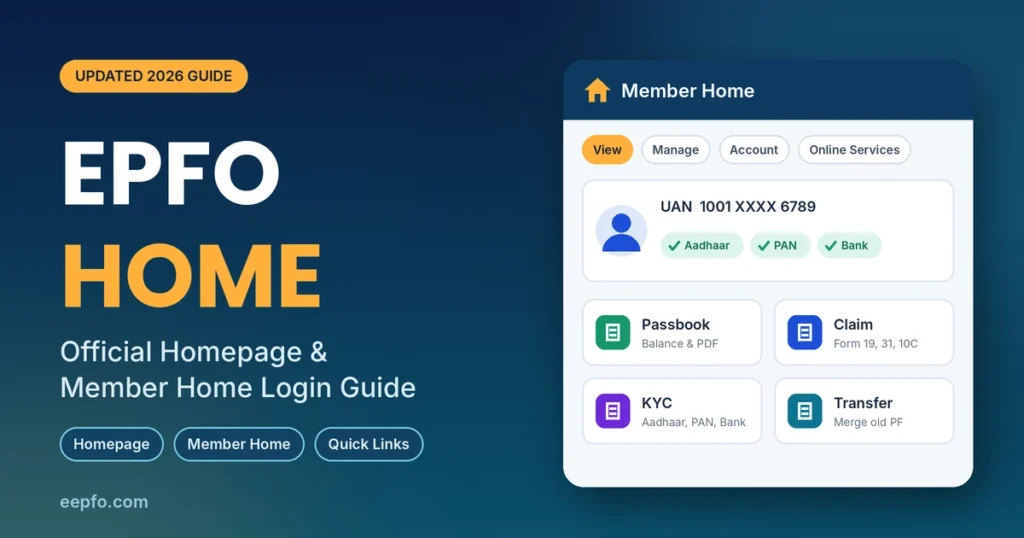
The left panel shows your profile: name, UAN, date of birth, and whether Aadhaar, PAN and bank are verified. Check this first. Anything marked “Not Available” will block claims later.
Four menus run across the top:
| Menu | What you can do |
|---|---|
| View | Profile, service history, UAN card, passbook |
| Manage | Contact details, KYC, e-Nomination, basic details, mark exit |
| Account | Change password |
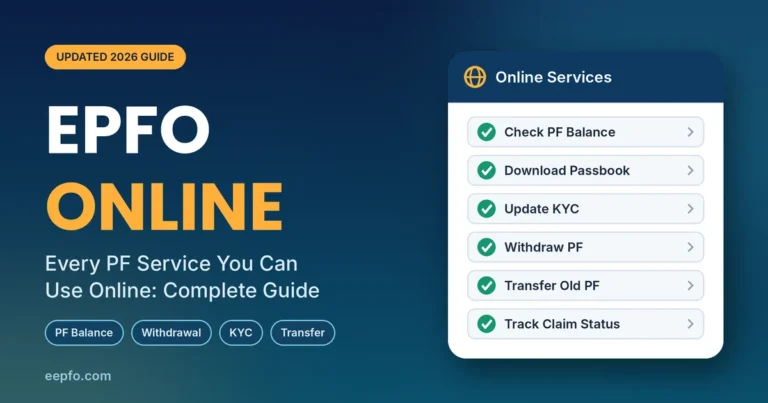
| Online Services | Withdrawal claims (Forms 19, 31, 10C, 10D), PF transfer, track claim status |
Five Things to Do on Your First Visit
- Check your profile for KYC gaps.
- Update KYC under Manage > KYC (bank and PAN).
- File e-Nomination under Manage > E-Nomination and e-sign it with an Aadhaar OTP.
- Review service history under View to make sure every employer is listed.
- Merge old accounts under Online Services > One Member One EPF Account.
EPFO Employer Home
Employers sign in at the Employer Portal with their establishment credentials. From Employer Home, HR teams file the monthly ECR (electronic challan cum return), pay contributions, register new employees and generate UANs for them, and approve employee KYC and transfer requests with a digital signature (DSC).
If your KYC or transfer has been pending for weeks, it is often waiting in your employer’s Employer Home for approval. A quick reminder to HR usually fixes it.
EPFO Home for Pensioners
EPS pensioners don’t need a UAN login for basic checks. They can:
- Check payment status on the pension payment enquiry page
- Download their Pension Payment Order (PPO) through UMANG or DigiLocker
- Submit the yearly life certificate digitally through Jeevan Pramaan
EPFO Home Quick Links
Bookmark these official pages so you never land on a fake site:
| Service | Official link |
|---|---|
| EPFO homepage | epfindia.gov.in |
| Member login (Member Home) | unifiedportal-mem.epfindia.gov.in |
| Employer login | unifiedportal-emp.epfindia.gov.in |
| EPF passbook | passbook.epfindia.gov.in |
| Claim status | Track claim |
| Know Your UAN | UAN service page |
| Pension status | Pension enquiry |
| Grievance | epfigms.gov.in |
| Contact offices | Contact Us |
How to Spot a Fake EPFO Home Page
Scammers copy EPFO’s look to steal UANs, OTPs and bank details. Before you type anything, check these signs:
- The address: genuine pages end in .gov.in. Watch for look-alikes such as extra words, hyphens or .com endings.
- What it asks for: EPFO never asks you to pay a fee, share an OTP over the phone, or enter your ATM PIN.
- How you got there: don’t open EPFO links from WhatsApp forwards or unknown SMS. Type the address yourself or use a bookmark.
- Apps: use only the official UMANG app from the Play Store or App Store.
Information sites like ours can explain the steps, but your login and claims should always happen on epfindia.gov.in.
EPFO Home Not Opening? Common Problems and Fixes
| Problem | Fix |
|---|---|
| Site loads slowly or times out | Try early morning or late night; EPFO advises avoiding peak hours |
| “Under maintenance” message | EPFO upgrades the portal at times; check What’s New and retry later |
| Captcha keeps failing | Refresh the captcha; it is case-sensitive |
| Page looks broken | Clear browser cache, update Chrome or Firefox, disable ad blockers for the site |
| Can’t reach Member Home after login | Your account may be locked; use Unlock Account or wait 30 minutes |
| Activate UAN option missing | It moved to the UMANG app in July 2026 |
Still stuck? Call the EPFO help desk on 14470 or raise a complaint on EPFiGMS.
FAQs
What is the official EPFO home page?
The official EPFO homepage is epfindia.gov.in. Employees log in to Member Home at unifiedportal-mem.epfindia.gov.in.
What is EPFO Member Home?
It is the dashboard that opens after you sign in with your UAN and password. From there you view your passbook, update KYC, add nominees and file claims.
Can I check my PF balance on the EPFO homepage?
Not directly. Log in to Member Home and open View > Passbook, or use the missed call service (9966044425) or SMS (EPFOHO UAN ENG to 7738299899) from your registered mobile.
Why can’t I find Activate UAN on EPFO home?
EPFO removed it from the website in July 2026. Activate your UAN on the UMANG app using Aadhaar face authentication.
What is the EPFO helpline number?
The EPFO website lists 14470 as its help desk number. You can also file complaints online at epfigms.gov.in.
Is EPFO Home available in Hindi?
Yes. The EPFO homepage offers a Hindi version, which you can switch to from the site header.
Conclusion
Think of EPFO Home in two layers. The homepage at epfindia.gov.in is where you find official news, forms and links. Member Home is where you manage your own PF. Bookmark both, activate your UAN on UMANG, and finish your KYC and nomination on your first visit. That one-time effort makes every future balance check, transfer and withdrawal much smoother.