EPFO Login 2026: UAN Member Portal Sign-In Guide & Fixes
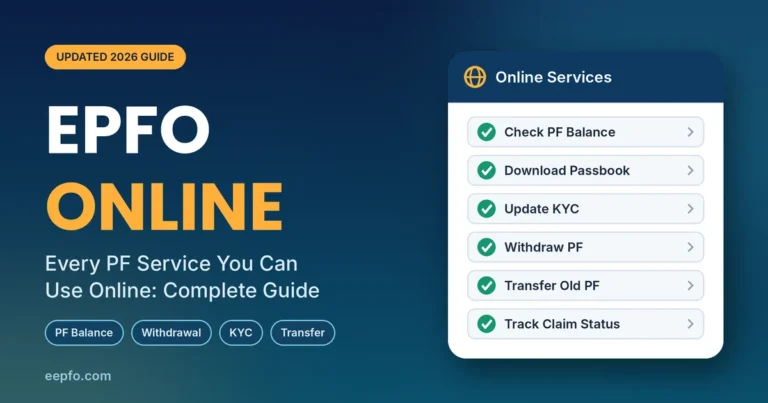
Your PF money is deducted every month, but you only see it properly once you complete your EPFO login. One sign-in on the UAN Member e-Sewa portal lets you check your PF balance, download your passbook, update KYC, file a withdrawal claim and track its status — without visiting an EPFO office.
The process changed in July 2026. After a week-long upgrade, EPFO moved UAN activation off the website and onto the UMANG app, where you now verify yourself with Aadhaar face authentication. Many people who try to log in for the first time get stuck right here. This guide walks you through the current process, start to finish, and shows how to fix the errors that block most logins.
What Is EPFO Login?
EPFO login is the secure sign-in to the online services of the Employees’ Provident Fund Organisation (EPFO), the body that manages EPF, the EPS pension scheme and EDLI insurance for salaried employees in India.
For employees, “EPFO login”, “UAN login” and “PF login” all mean the same thing: signing in to the Unified Member Portal at unifiedportal-mem.epfindia.gov.in with your Universal Account Number (UAN) and password. Your UAN is a permanent 12-digit number. It stays the same when you change jobs; only your Member ID (the PF account number at each employer) changes.
EPFO actually runs three separate logins:
| Login type | Who uses it | What it is for |
|---|---|---|
| Member login | Employees | Balance, passbook, KYC, claims, transfers, nomination |
| Employer login | HR and establishments | ECR filing, contributions, KYC approval |
| Pension enquiry | Pensioners | PPO details and pension payment status |
This article focuses on the member login, which is what most people mean when they search for EPFO login. For a deeper look at every portal menu, see our EPFO Member Login guide.
What You Need Before Your EPFO Login
Keep these ready before you open the portal. Missing even one of them is the most common reason a login fails.
| Requirement | Why you need it | Where to find it |
|---|---|---|
| UAN (12 digits) | It is your login ID | Salary slip, offer letter or HR |
| Activated UAN | An inactive UAN cannot log in | Activate on the UMANG app (next section) |
| Aadhaar-linked mobile number | OTPs for activation, password reset and claims | The number registered with Aadhaar and EPFO |
| Password | Second half of your credentials | Temporary password by SMS after activation |
| Smartphone with UMANG and AadhaarFaceRD apps | Face authentication for UAN activation | Google Play Store or Apple App Store |
| Updated browser | The portal works best on Chrome or Firefox | Clear cache if pages fail to load |
A quick check: your name, date of birth and gender in EPFO records should match your Aadhaar exactly. A small spelling difference can block activation, KYC and claims later.
First-Time Users: Activate Your UAN on the UMANG App
If you have never logged in before, you must activate your UAN first. Since the July 2026 portal upgrade, the “Activate UAN” button no longer works on the EPFO website. Activation now happens only on the UMANG app, using Aadhaar-based Face Authentication (FAT). If your employer has not yet given you a UAN, the same app also handles new UAN allotment.
- Install the UMANG app and the AadhaarFaceRD app on your phone.
- Register on UMANG with your Aadhaar-linked mobile number and set a 4-digit MPIN.
- Search for EPFO inside UMANG and open it.
- Scroll to UAN Services Through Face Auth and tap UAN Activation (or UAN Allotment and Activation if you do not have a UAN yet).
- Enter your UAN, Aadhaar number and Aadhaar-linked mobile number, tick the consent box and tap Send OTP.
- Enter the OTP. The app now opens your camera through AadhaarFaceRD.
- Sit in good light, face the camera and hold still until you see a green circle.
- Check the details shown on screen (name, date of birth) and tap Submit.
Your UAN is now active, and EPFO sends a temporary password to your mobile by SMS. Keep that message; you need it for your first web login.
Tip: To confirm activation, run the same UMANG option again. If it says the UAN is already activated, you are ready to sign in.
How to Do EPFO Login on the Member Portal (Step by Step)
Once your UAN is active, signing in takes less than a minute.
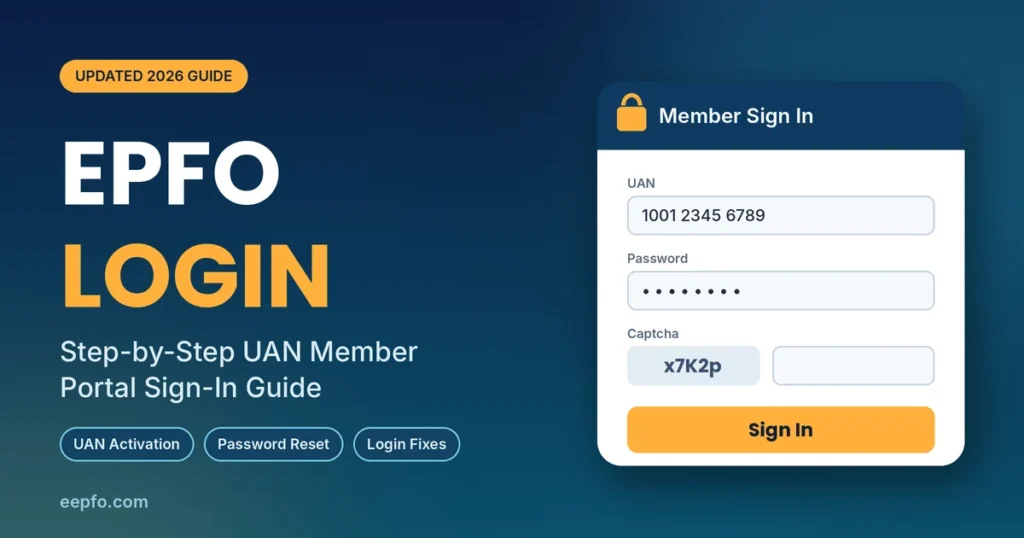
- Open the official UAN Member e-Sewa portal: unifiedportal-mem.epfindia.gov.in/memberinterface. Check the address bar; it must end in epfindia.gov.in.
- Enter your 12-digit UAN in the first field.
- Enter your password. First-time users enter the temporary password received by SMS.
- Type the captcha exactly as shown. It is case-sensitive.
- Click Sign In.
On your first login, the portal asks you to change the temporary password:
- Enter the old (SMS) password, then a new password twice.
- Accept the disclaimer and request the Aadhaar OTP.
- Enter the OTP and click Change Password.
- Click Click Here to Login and sign in again with your UAN and new password.
Choose a strong password with uppercase and lowercase letters, a number and a special character. Do not reuse your email or banking password.
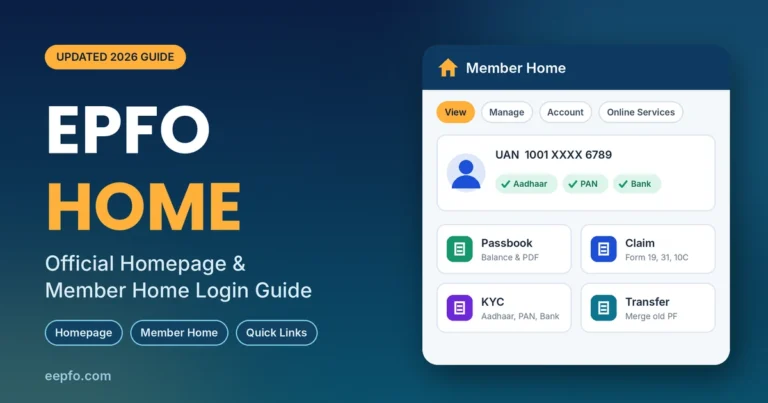
After you sign in, the dashboard shows your profile on the left and four menus on top: View, Manage, Account and Online Services. That is your EPFO account home.
EPFO Login on Mobile Through the UMANG App
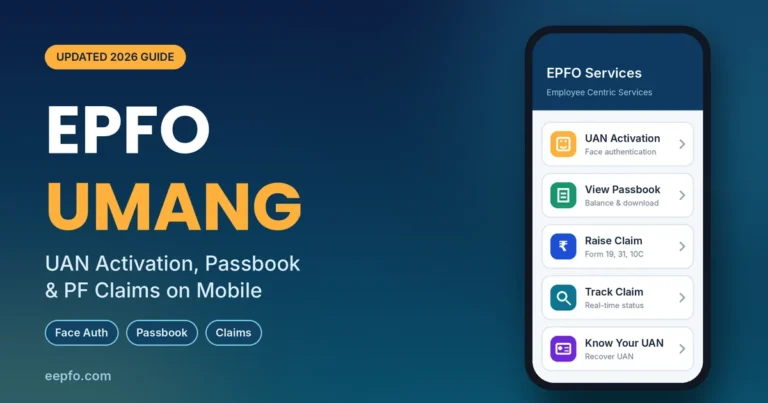
If you prefer your phone, UMANG gives you most EPFO services without a password. You sign in with your MPIN and verify each service with an OTP.
- Open UMANG and log in with your MPIN.
- Search for EPFO and open Employee Centric Services.
- Pick a service such as View Passbook, Raise Claim or Track Claim.
- Enter your UAN and the OTP sent to your registered mobile.
UMANG is handy for quick balance checks and claim tracking. Some tasks, such as e-Nomination and bank or PAN KYC updates, still work best on the website.
What You Can Do After EPFO Login
Once you are inside, these are the services members use most:
| Task | Where to find it on the portal |
|---|---|
| Check PF balance and download passbook | View > Passbook (see our EPFO passbook guide) |
| Download UAN card | View > UAN Card |
| See past employers | View > Service History |
| Update Aadhaar, PAN and bank KYC | Manage > KYC |
| Add or change nominee | Manage > E-Nomination |
| Mark date of exit | Manage > Mark Exit |
| Withdraw PF (Form 19, 31, 10C, 10D) | Online Services > Claim |
| Merge old PF into current account | Online Services > One Member One EPF Account |
| Track withdrawal or transfer | Online Services > Track Claim Status |
Two tasks deserve priority right after your first login. Complete your KYC so claims are not rejected, and file your e-Nomination so your family can claim the money without delays. Members who skip nomination may find claim features restricted.
Forgot Your UAN or Password? How to Get Back In
Forgot UAN: On the login page, click Know Your UAN. Enter your registered mobile number and captcha, verify the OTP, then search using Aadhaar, PAN or your old Member ID along with your name and date of birth. The revamped portal may also ask you to upload an ID or address proof. Your UAN appears on screen and arrives by SMS. You can do the same on UMANG under Employee Centric Services > Know Your UAN.
Forgot password: Click Forgot Password below the Sign In button. Enter your UAN and captcha, confirm your details, and verify the OTP sent to your Aadhaar-linked mobile. Set a new password and log in again.
Mobile number changed: OTPs go to the number on record, so update it first. If you can still log in, change it under Manage > Contact Details. If not, ask your employer or raise a grievance with EPFO.
Common EPFO Login Problems and Fixes
| Problem | Likely cause | Fix |
|---|---|---|
| “Invalid username or password” | Wrong password or Caps Lock on | Retype carefully or use Forgot Password |
| Account locked | Too many failed attempts | Use the Unlock Account link, or wait about 30 minutes |
| “UAN not activated” | Activation never completed | Activate through UAN Activation on UMANG |
| OTP not received | Old mobile number or network delay | Wait two minutes, retry once, then update your number |
| Aadhaar details do not match | Name, DOB or gender mismatch | Correct via Manage > Modify Basic Details with employer approval, or a Joint Declaration |
| Page not loading or captcha error | Heavy traffic or old browser cache | Clear cache, use Chrome or Firefox, try early morning or late night |
| Claim features restricted | e-Nomination not filed | File nomination under Manage > E-Nomination |
EPFO itself advises members to avoid peak hours and not to submit the same request repeatedly. If a problem lasts more than a few days, file a complaint on the EPFiGMS grievance portal or call the toll-free helpline 1800-118-005.
Check PF Balance Without EPFO Login
If you only need your balance, you can skip the login entirely. Both options work only from your registered mobile number, and your UAN must be linked with KYC.
- Missed call: Call 9966044425. The call drops after two rings and an SMS with your balance follows.
- SMS: Send
EPFOHO UAN ENGto 7738299899. Replace ENG with your language code, such as HIN for Hindi.
Keep Your EPFO Account Safe
- Log in only at the official domain epfindia.gov.in. Bookmark it instead of clicking links in messages.
- EPFO never asks for your password, OTP or bank details on a phone call, SMS or WhatsApp.
- Never share your OTP with anyone, including people claiming to be agents who will “speed up” your claim.
- Log out after each session, especially on shared or office computers.
Frequently Asked Questions
What is my EPFO login ID?
Your UAN is your login ID. It is printed on your salary slip, and your employer can share it. If you have lost it, use Know Your UAN on the portal or UMANG.
Why can’t I activate my UAN on the EPFO website?
EPFO removed UAN activation from the website in July 2026. Activation and new UAN allotment now happen only on the UMANG app with Aadhaar face authentication.
Can I log in to EPFO without my registered mobile number?
You can sign in with your UAN and password, but activation, password resets, KYC and claims all need an OTP. Update your mobile number before you need those services.
Is the EPFO passbook login different from the member login?
The passbook opens on a separate page, but it uses the same UAN and password. You can reach it from View > Passbook after logging in.
Is the EPFO login the same for every job I change?
Yes. Your UAN stays the same for life, so one login shows every PF account linked to it. Merge old accounts through One Member One EPF Account to keep your service continuous.
What should I do if the EPFO portal is down?
EPFO sometimes takes the portal offline for maintenance. Wait a few hours, try outside peak hours, or use UMANG for balance and claim status.
Final Thoughts
A smooth EPFO login comes down to three things: an activated UAN, an Aadhaar-linked mobile number, and records that match your Aadhaar. First-time users should activate on UMANG, then sign in on the member portal and change the temporary password. After that, finish your KYC and e-Nomination so your withdrawals and transfers go through without delays.
Bookmark the official portal, check your passbook every few months, and keep your OTPs private. Your PF is one of your biggest long-term savings, so it is worth a few minutes of attention.